
Collect and sell
Receive files from clients
Give clients one link to upload files to you. No account, no email attachments.
- Paid plans
- Up to 1,000 files per upload
Your workflow
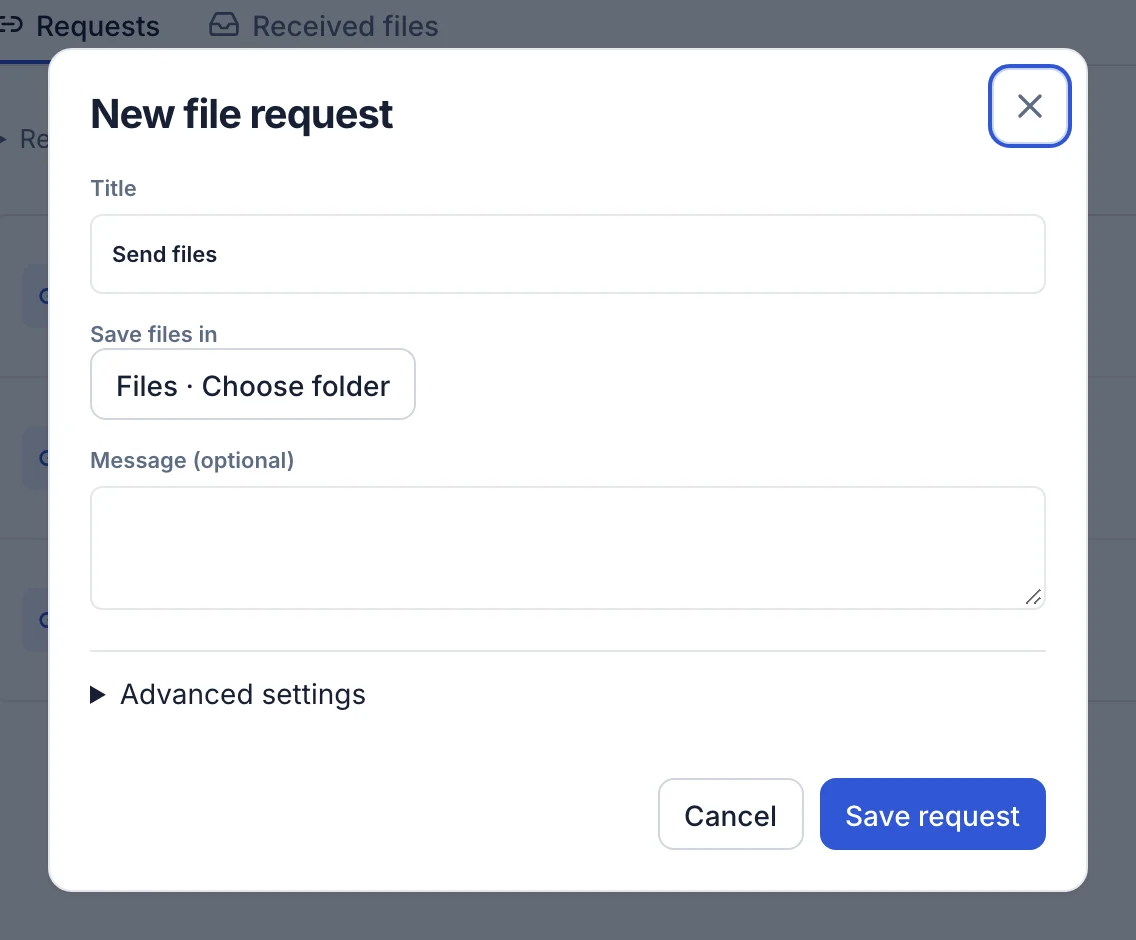
Create a request
Name it after the client or project and choose the folder files go to.
Share the link
Paste it into an email or your website. Clients upload from any browser.
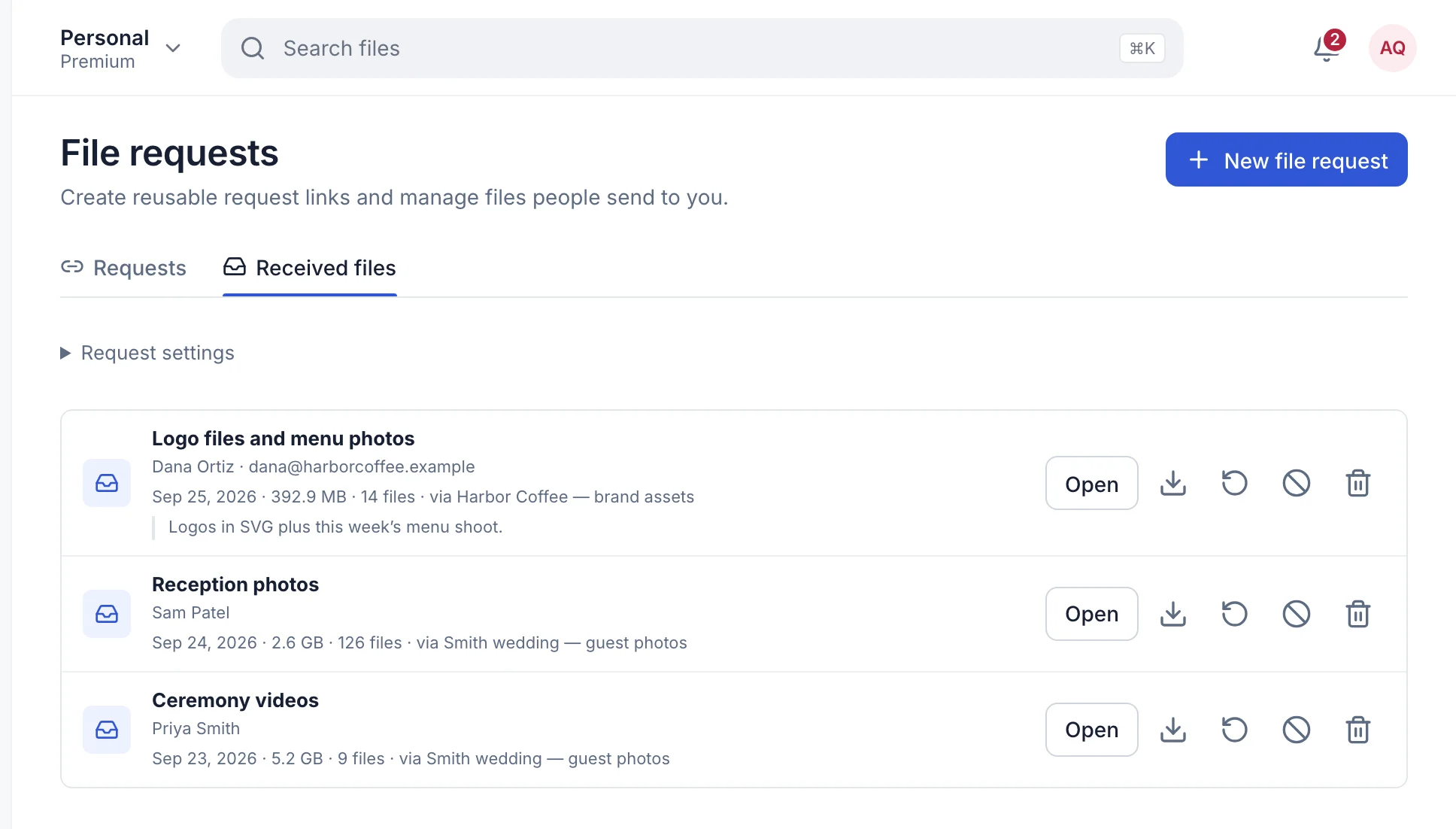
Receive linksReview uploads
Files arrive with the sender’s name. Pause the link when you’re done.
Organize My Files
In numbers
1,000files per upload
0accounts clients need
$9.99a month for Premium, with receive links
Updated September 26, 2026