
Sell and more
Private chat
A quiet place to talk about the files you send. Find people by their handle, and nobody can message you freely until you accept.
- Signed-in users
- Text only
- Requests first
What private chat is
Files rarely travel alone. There’s the “which version is final?”, the “got it, thanks” and the “can you resend the audio?”. Chat keeps those conversations in TransferSize, next to your files, instead of scattered across email and messaging apps.
Every TransferSize user can pick a handle, like @harborcoffee. To start a conversation, type someone’s exact handle. There’s no list of users to scroll through.
Requests first
A new chat is one message until the other person accepts.
Encrypted storage
Messages are encrypted in transit and before they’re stored.
Real time
New messages appear the moment they’re sent.
One identity
The same handle works for Chat and your creator profile.
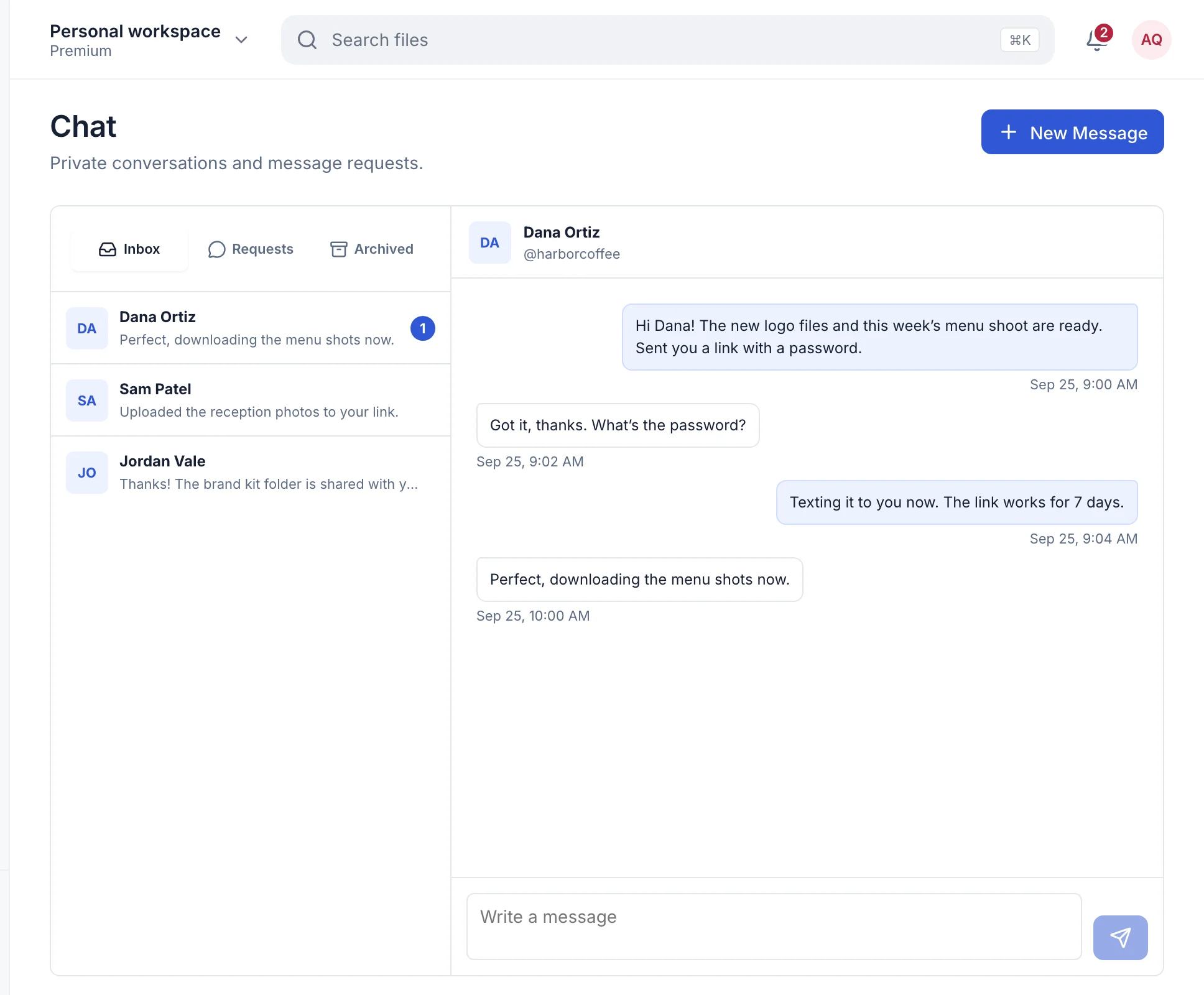
How requests work
Someone who wants to talk to you selects New Message, types your handle, writes a first message and selects Send Request.
That message lands in your Requests tab, not your inbox. They can’t send anything else until you select Accept. Once you do, the conversation moves to your inbox and you can both write freely. If you never accept, that one message is all they can send.
Start chatting
- In your workspace, open Apps → Chat.
- The first time, choose your handle and display name.
- Select New Message and type the other person’s handle.
- Write your first message and select Send Request.
How private is it?
Messages travel over an encrypted connection. Before a message is stored, it’s encrypted again with a key unique to that conversation (AES-256, for the curious), and those keys are locked with a key held on our servers.
That’s strong protection for stored messages, but to be clear: it isn’t end-to-end encryption. TransferSize can decrypt messages when it has to, for example to deliver them, to export your data, or to review a message reported for abuse.
What it doesn’t do yet
- Send files. Chat is text and emoji. Share files with a transfer and paste the link: it keeps its password, expiry and limits.
- Group chats. Every conversation is between two people.
- Edits, reactions or typing indicators. Messages are simple and final.
- Block or report on the web. Those controls are built into the TransferSize mobile apps, which are on the way.
Who can use it
- Anyone with a verified TransferSize account, on any plan, including Free.
- Both people need a handle.
Questions
A message says Couldn’t send
Check your connection and select Retry on the message. It isn’t lost.
Updated September 26, 2026